


 Catalog
 Exploded views

















 Honda Marine




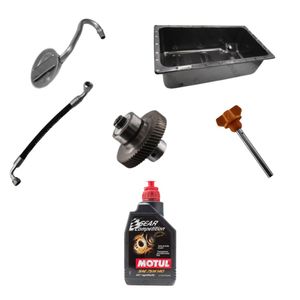


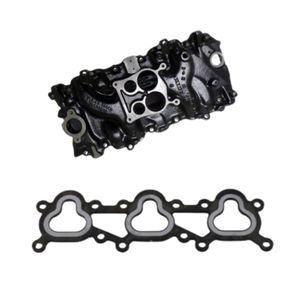
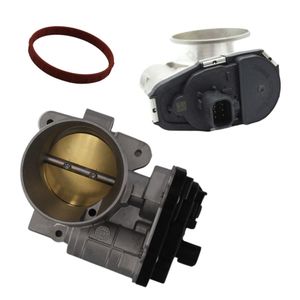
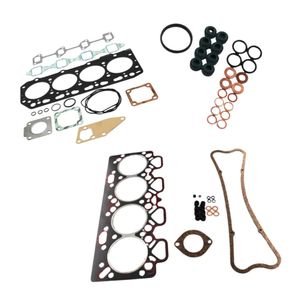
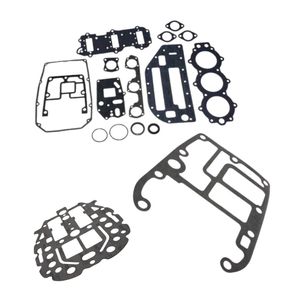
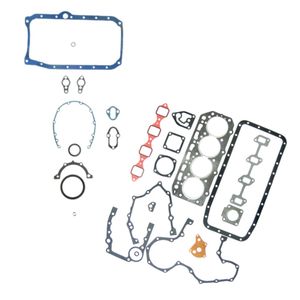
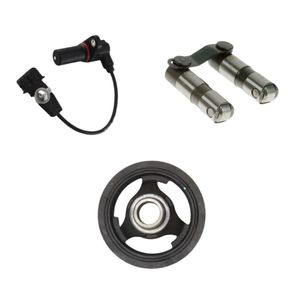
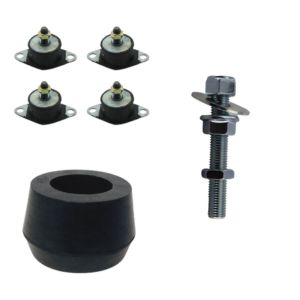
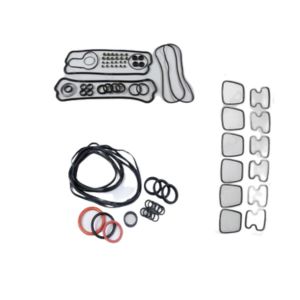

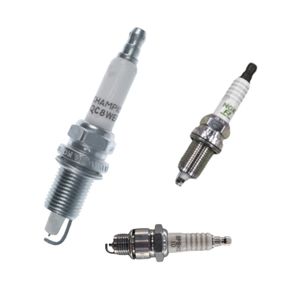
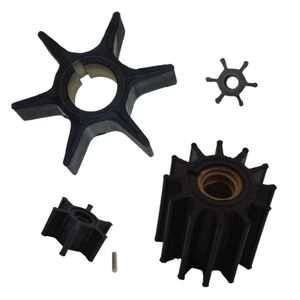
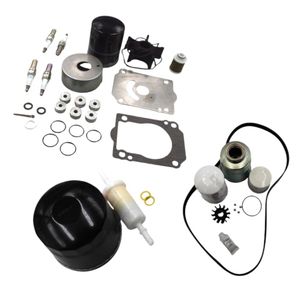
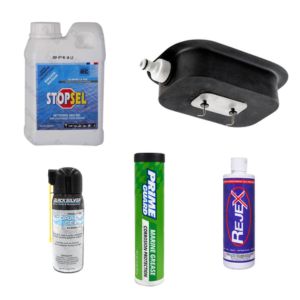
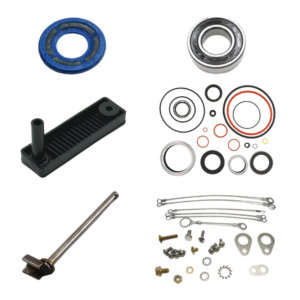

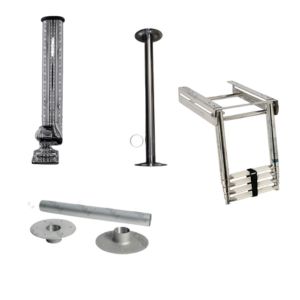
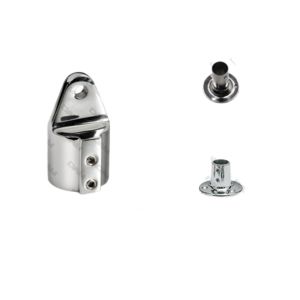
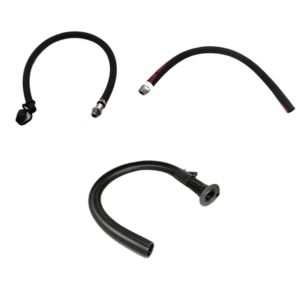
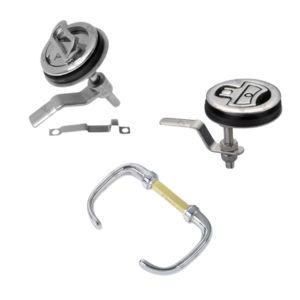
 Parts views
 Technical documents
 Ask for a quote
 Return request
Need to equip or upgrade your onboard electronics?
Find the instruments, cables and accessories suited to your marine installation.
A boat fish finder is a device that uses sound pulses to measure depth and interpret what is beneath or around the hull. Reading quality depends as much on the transducer as on the settings, boat speed and installation. 2D, CHIRP, DownScan and SideScan technologies do not show the same information. A reliable reading starts with a clean signal, a correctly positioned transducer and settings adapted to the depth.
What is a boat fish finder and what is it used for?
A boat fish finder is used to measure depth, display the bottom and detect certain elements in the water, such as fish, weed beds, rocks or drop-offs. It helps you navigate with more confidence and better understand the area you are moving through. In a broader onboard logic, it also fits into how a boat works.
Three terms are often confused: fish finder, transducer and sonar. The fish finder is the screen or unit that interprets and displays the information. The transducer is the part that sends and receives waves in the water. Sonar refers to the general principle: sending a sound wave, then analysing its return.
What is the unit used for?
The unit turns the received signals into a readable image: depth, bottom line, echo strength, colours, arches or structures.
What is the transducer used for?
The transducer is decisive for signal quality. A poorly positioned transducer can produce an unstable image, even with a good display.
What is sonar used for?
Sonar makes it possible to “read” underwater without direct visibility. It is based on analysing return time and echo strength.
How does a boat fish finder work using echoes?
A boat fish finder works on a simple principle: the transducer sends a sound pulse into the water, then the device measures how long the echo takes to return. From this return time, it calculates the distance between the transducer and the bottom or detected object.
How is the pulse sent?
The transducer emits ultrasound in a beam that is more or less wide. This beam may be conical in 2D or narrower depending on the imaging technology.
Why does the echo return?
The wave meets an obstacle: bottom, rock, weed bed, fish, bubble or temperature layer. Part of the energy returns to the transducer.
How is depth calculated?
The device measures the round trip of the signal, then divides the distance by two. It can also apply an offset to display depth below the transducer or below the keel.
Return strength is just as important as distance. A strong echo often indicates a hard bottom or dense structure. A weaker return may correspond to mud, loose sand, vegetation or an attenuated signal.
Why does a boat fish finder screen scroll?
A boat fish finder screen usually does not display a fixed picture of the bottom. It displays a history: the right-hand side shows the most recent information, then the data gradually moves to the left.
This explains why the same structure can appear stretched or compressed depending on your speed, scroll speed and depth. When stopped, the fish finder keeps transmitting: you do not see a still map, but a sequence of echoes taken in the same place.
Reading a fish finder therefore means linking the image to the real situation: boat speed, depth, selected mode, beam width and transducer stability. This is what helps distinguish useful information from simple interference.
What are the differences between 2D, CHIRP, DownScan and SideScan fish finder views?
Boat fish finder technologies do not all show the same thing. 2D tracks what is happening beneath the hull, CHIRP improves echo separation, DownScan details the structure under the boat and SideScan is used to search on both sides.
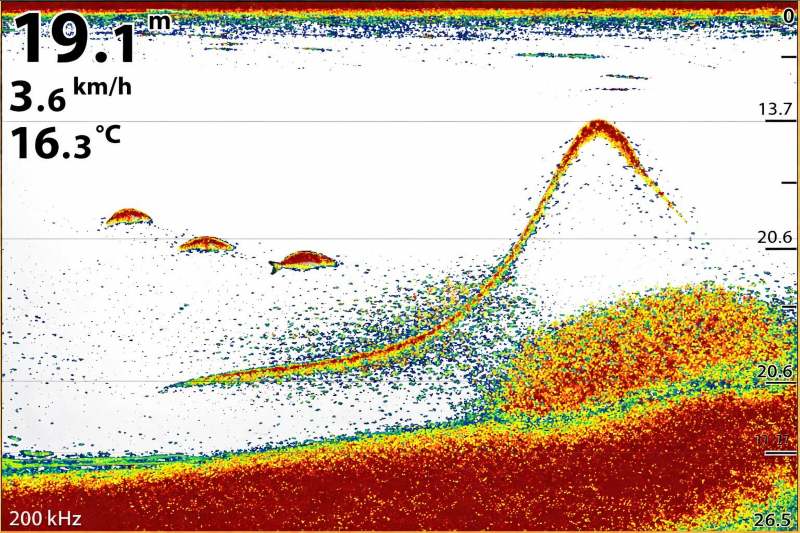
In 2D, the screen scrolls: you read a history, not an instant picture.
When should you use 2D sonar?
2D is the most versatile mode. It is suitable for tracking depth, reading the bottom, spotting arches and keeping an effective reading while cruising or general fishing.
What does CHIRP change?
CHIRP uses a range of frequencies rather than a single frequency. It often improves readability and helps separate close echoes, such as a fish near the bottom.
What is DownScan used for?
DownScan gives a more detailed image beneath the boat. It is useful for distinguishing rocks, drop-offs, wrecks, weed beds or relief in shallow to medium depths.
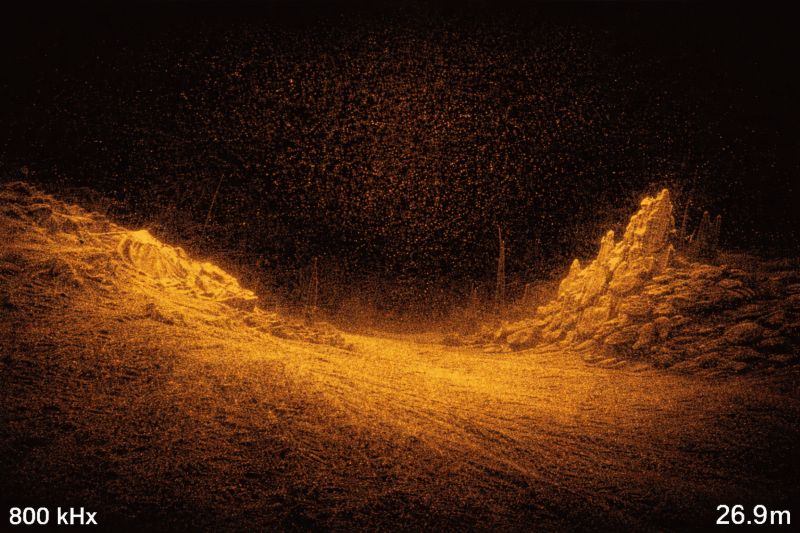
DownScan highlights the structure beneath the boat with a finer reading.
Why choose SideScan?
SideScan scans the sides of the boat. It covers a wider area than 2D and becomes valuable for searching: locating a wreck, a drop-off, a rocky area or a structure outside the hull axis. The shadows displayed are important because they indicate relief.
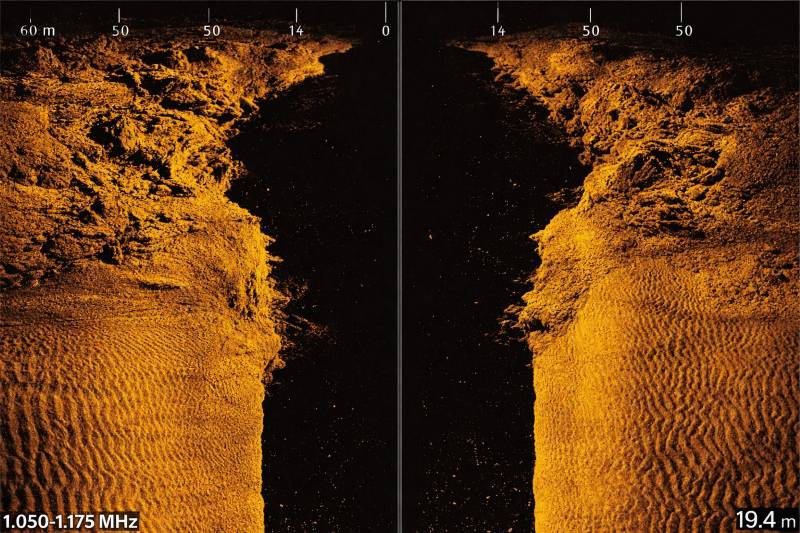
SideScan is used for searching: you identify the structure and its shadow to estimate relief.
Are you planning a complete electronics installation?
Also consider cables, connectors and the consistency of the onboard network.
Which settings really affect a boat fish finder reading?
A boat fish finder reading mainly depends on frequency, power, beam angle and the quality of the received signal. Two devices can therefore display very different images in the same place if their transducers or settings are not comparable.
Why does frequency matter?
Low frequencies carry better in deep water but provide less detail. High frequencies display structures more finely, but their range is more limited.
Why does power matter?
Power helps maintain a stable reading in deep, rough or loaded water. Too much power can, however, amplify noise if filtering is poorly adjusted.
Why does beam angle matter?
A wide beam covers more area, while a narrow beam targets more precisely. The right choice depends on depth and the level of detail required.
How do you read a boat fish finder without confusing fish, bottom and interference?
Reading a boat fish finder means recognising visual signatures. Fish, schools, hard bottoms, soft bottoms, bubbles and certain water layers do not produce the same returns.
Why does a fish form an arch?
The arch appears when the fish crosses the beam. It enters the detection zone, passes near the centre, then exits. Depending on speed and settings, the arch may become a simple line.
How do you identify a school?
A tight school often looks like a dense or cloudy mass. Its shape depends on how compact the group is, the depth and the sensitivity setting.
How do you identify a hard bottom?
A hard bottom sends back a stronger echo, with a thicker or more intense bottom line. A soft bottom generally sends back a weaker signal.
What are the most common false signals?
Bubbles, plankton, a thermocline or very loaded water can create interference returns. If the screen becomes snowy, start by adjusting sensitivity, range and filters before concluding that fish are present.
Which boat fish finder settings should you use depending on conditions?
The right setting is the one that gives a readable bottom, usable echoes and an acceptable noise level. You should therefore adjust range, sensitivity, frequency and scroll speed according to depth and use.
Which settings in a harbour or shallow water?
Keep automatic range or a range slightly above the real depth, moderate sensitivity and medium scrolling. Consider the offset if you want to display depth below the keel.
Which settings for coastal fishing?
Between 10 and 60 m, often combine 2D and vertical imaging if your device allows it. Increase sensitivity until you get a lively image, then reduce it slightly.
Which settings in deep water or rough seas?
Choose a frequency suited to the depth and sufficient power. If the signal disappears while underway, check the transducer first before blaming the settings.
The most common mistakes are sensitivity set too high, range set too wide, inconsistent scroll speed or a transducer exposed to turbulence. A well-set fish finder never fully compensates for poor installation.
Where should you install a boat fish finder transducer to keep a clean signal?
The transducer must be placed where the water remains as clean as possible while underway. Bubbles, turbulence, cavitation, water outlets, hull strakes or proximity to the propeller can seriously disturb the signal. To better understand how propulsion affects the water flow, you can also read our guide on how a boat propeller works.
To choose the mounting area more effectively, it helps to identify hull elements and underwater volumes. You can refer to our guide on boat anatomy to better locate the transom, keel, strakes and appendages.
When should you choose a transom-mount transducer?
It is common on motorboats and RIBs. It remains accessible and adjustable, but can be sensitive to turbulence at sustained speed.
When should you choose a through-hull transducer?
It requires a more technical installation, but often provides a more stable signal. It suits setups where reliability is the priority.
When should you choose an in-hull transducer?
It avoids drilling on some compatible GRP hulls. The transducer is protected, but performance depends heavily on the hull and bonding.
Before final fixing, test the location if possible. Also take care with cable routing: no pinching, no rubbing, and no excessive proximity to sources of electrical interference.
How can you avoid wiring, power supply and interference problems?
A boat fish finder needs stable power and clean wiring. A voltage drop, oxidised connection or poorly protected cable can cause restarts, screen cuts or an unstable image. To reduce these issues, it is useful to know how to manage energy on board.
The basics are to use a power supply protected by a suitable fuse, sound connectors and cable routing kept away from sources of interference. To understand the whole onboard network, you can also read our guide on how electricity works on a boat, our article on boat battery maintenance and our guide to choose a boat battery.
If you combine GPS, fish finder, AIS, VHF and instruments, the NMEA network allows certain data to be shared between devices. In that case, the installation logic becomes essential: suitable connectors, consistent cables and dockside tests before closing panels. This topic directly connects with DAM Marine guides on AIS technology, how a marine VHF radio works and boat navigation instruments.
Finally, if the boat remains unused for a long time, protect the electronics, connectors and transducer from moisture, salt and impacts. Good practices forboat winterisation help limit unpleasant surprises when the season starts again.
How do you choose a boat fish finder suited to your use?
Choosing a boat fish finder means defining what you want to read: simple depth, coastal fishing, structure searching, regular navigation or a connected installation with several instruments. The right unit also depends on the compatible transducer and the installation quality possible on your hull.
For simple depth reading?
A clear display, reliable transducer and clean installation are often enough. The priority is readability and signal stability.
For versatile fishing?
A 2D + CHIRP setup provides a very effective base. Adding DownScan improves reading of structures beneath the boat.
For searching large areas?
SideScan becomes useful because it scans the sides and detects relief or obstacles away from the boat’s axis.
Which table should you keep in mind before choosing or setting up your boat fish finder?
The table below summarises the main reading modes and their most common uses.
| Mode or element | What you see | Main strength | Main limitation | Recommended use |
|---|---|---|---|---|
| 2D | Profile beneath the boat with scrolling history | Versatile reading of bottom and echoes | Less visual on fine structures | Navigation, general fishing, depth tracking |
| CHIRP | More readable 2D image with better separation | Close echoes better distinguished | Depends on transducer/device compatibility | Structure fishing, precise reading, tight schools |
| DownScan | More detailed structure beneath the boat | Relief, weed beds, rocks and wrecks more readable | Less relevant in very deep water | Searching in shallow to medium depth |
| SideScan | Left and right scan with shadows | Wide search coverage | Reading sensitive to speed and settings | Searching for wrecks, rocks, drop-offs, obstacles |
| Transducer installation | Signal quality and stability | Strongly determines image reliability | Turbulence can degrade the entire reading | Check before blaming the screen or settings |
| Power supply and network | Electrical stability and data sharing | More reliable and scalable installation | Requires clean, protected wiring | Fish finder, GPS, AIS, VHF, connected instruments |
Additional FAQ about boat fish finders
Is a boat fish finder useful if I do not fish?
Yes. Even without fishing, a fish finder helps monitor depth, identify a drop-off, avoid an area that is too shallow and choose a more suitable anchorage. To complete this preparation, you can also read our guide to boat anchoring techniques.
Why does my fish finder lose bottom when I accelerate?
The most common cause is a transducer disturbed by bubbles or turbulence. Check the location, alignment and height of the transducer before changing all the settings.
Which technology should beginners choose first?
2D with CHIRP provides a very versatile base. It remains readable, useful for navigation and sufficient to gradually understand bottom and fish returns.
Does SideScan replace 2D sonar?
No. SideScan is mainly used to search wide areas on both sides. 2D remains very useful for precisely tracking what is beneath the boat and keeping a direct depth reading.
Should the fish finder power supply be switched off for winterisation?
It is best to secure the installation, protect the connectors and limit moisture. Depending on your setup, a clean power cut-off and cable check before restarting are recommended.