

 Catalog
 Exploded views
















 Honda Marine
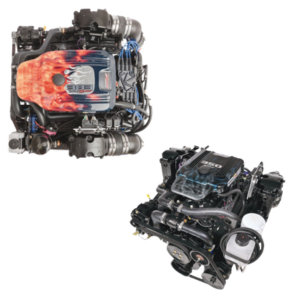
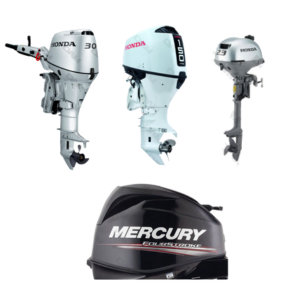


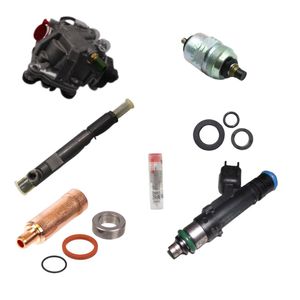
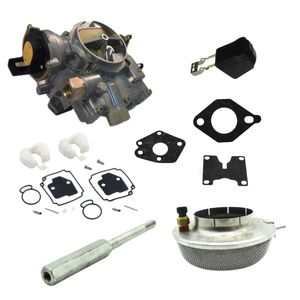




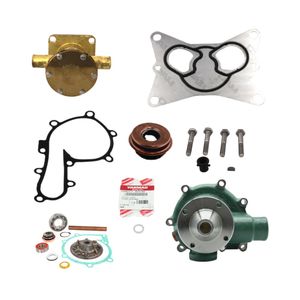
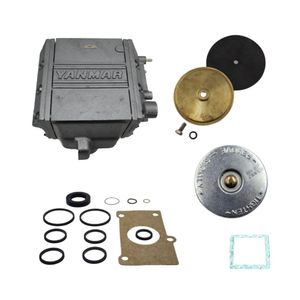
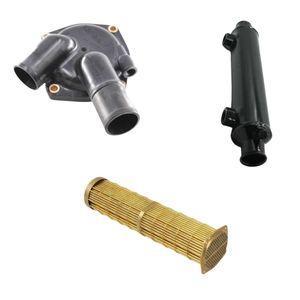
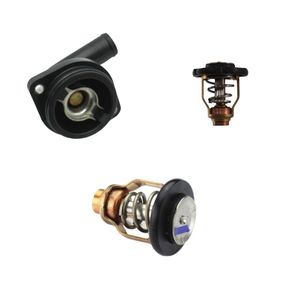
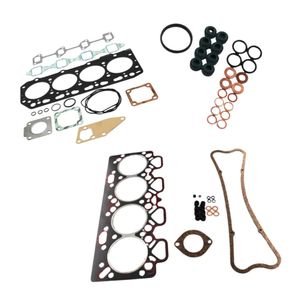
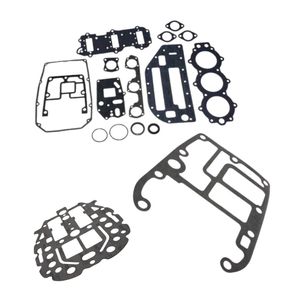
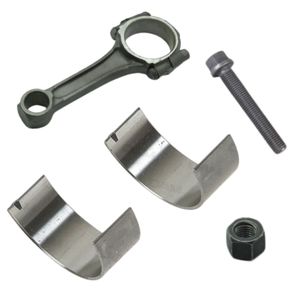
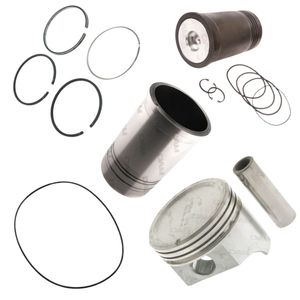

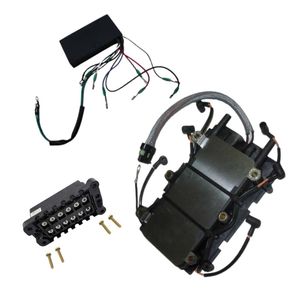
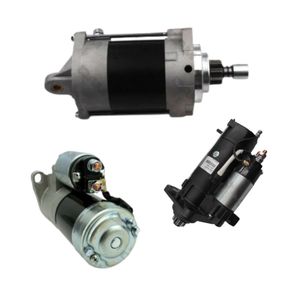
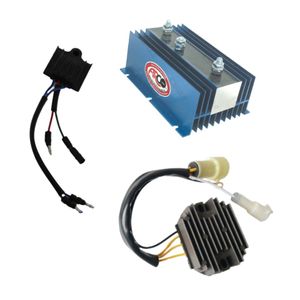
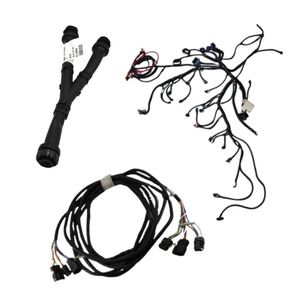
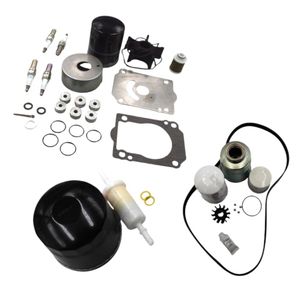

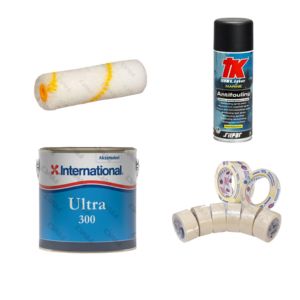
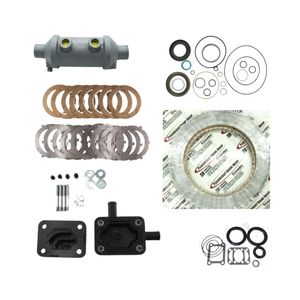
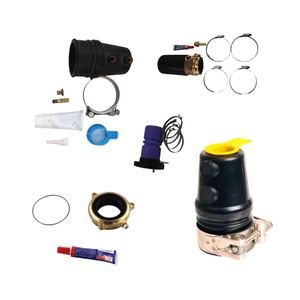
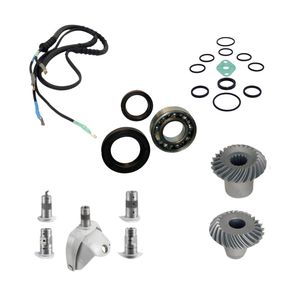
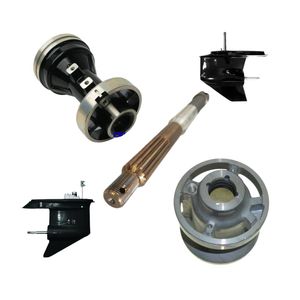
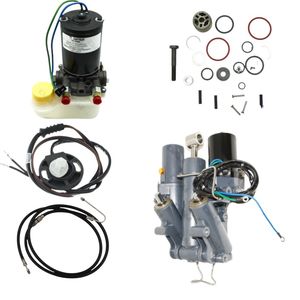
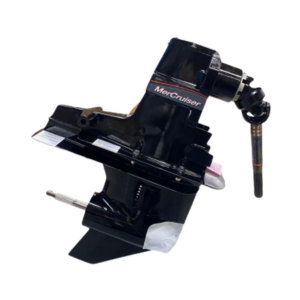


 Parts views
 Technical documents
 Ask for a quote
 Return request
Find instruments, accessories and useful solutions for your navigation setup.
AIS technology is an automatic identification system that transmits and receives navigation information via VHF. It helps identify vessels around you and follow their course, speed and position. It improves anticipation in busy areas, at night or in reduced visibility. It remains a navigation aid: it does not replace visual watchkeeping, collision regulations or complete safety equipment.
What is AIS technology on a boat?
AIS technology, for Automatic Identification System, is an automatic identification system used at sea to exchange information between vessels and with certain coastal stations. Its purpose is simple: to help the skipper understand surrounding traffic and anticipate close-quarters situations.
An equipped boat can transmit its identity, position, course, speed and sometimes other useful information. In reception mode, you can see nearby equipped vessels on a compatible screen: chartplotter, multifunction display, VHF with AIS, tablet or navigation software.
AIS remains a navigation aid. It does not replace visual watchkeeping, VHF listening, navigation lights, knowledge of the rules of the road or good seamanship. To place AIS in a broader context, you can also read our guide to rules of navigation at sea.
To place this equipment within the boat’s wider systems, our guide to how a boat works can also provide a useful overview.
How does AIS work at sea?
AIS works through three elements: a GPS position, a VHF radio link and an AIS device. The GPS provides the boat’s position, the AIS unit processes the data, then messages are sent or received on dedicated VHF channels.
What is the difference between an AIS receiver and an AIS transponder?
An AIS receiver lets you see other equipped vessels. An AIS transponder lets you see others and be seen, because it receives and transmits your own information.
What are AIS classes A, B and B+?
Class A mainly concerns professional vessels subject to requirements. Class B is common in leisure boating. Class B+ improves transmission frequency or priority in some cases, which can be useful in dense traffic areas or at higher speeds.
For standard coastal cruising, class B equipment often meets the need. If you sail fast, at night, in traffic separation schemes or near ferries and cargo ships, a higher-performance solution or better integration with your displays may be justified.
Which AIS data should you know how to read?
AIS data helps you understand a trajectory, not just display a point on a chart. The most useful information is the vessel’s identity, position, course, speed and the closest-approach indicators calculated by your display.
What does MMSI mean?
The MMSI is the vessel’s radio identifier. It is important for AIS identification, but also for certain VHF communications with DSC.
What do COG and SOG mean?
COG indicates the course over ground. SOG indicates the speed over ground. These two data points help you understand a vessel’s actual movement.
Why are CPA and TCPA important?
CPA estimates the minimum crossing distance. TCPA estimates the time remaining before that closest point of approach. They are valuable indicators for making an early decision.
In practice, AIS becomes very useful when CPA/TCPA alarms are set correctly. If they are too sensitive, they tire the crew. If they are too broad, they lose their value. The right setting depends on your speed, the area, visibility and your navigation programme.
What is AIS used for in leisure boating?
AIS is mainly used to anticipate better. In leisure boating, it helps identify surrounding vessels, follow their trajectory and spot situations that require a decision more quickly.
Is it useful at night or in reduced visibility?
Yes, because AIS provides structured information when observation becomes more difficult: vessel name, direction, speed and risk of approach.
Is it useful in ports and channels?
Yes, especially in areas where ferries, cargo ships, fishing vessels and pleasure craft cross paths. AIS helps prioritise targets and maintain an overall view.
Is it useful with onboard alarms?
Yes, depending on your installation. AIS can feed collision alerts, dangerous target alerts or MOB alerts if compatible devices are configured correctly.
AIS technology is therefore part of a broader setup: watchkeeping, anticipation, communication, lighting equipment and safety. For night navigation, the subject of mandatory navigation lights on board remains complementary.
Why use an AIS MOB beacon?
An AIS MOB beacon is used to locate a person overboard more quickly. Attached to a lifejacket or harness, it can transmit an alert detected by nearby compatible AIS equipment.
When triggered, manually or automatically depending on the model, the beacon emits a specific signal. This signal can appear on a chartplotter, AIS VHF or multifunction display, often with an alarm. The aim is to return to the area faster and reduce search time.
Remember: an AIS MOB beacon does not replace a lifejacket, harness, tether or crew procedures. It adds a location layer, but prevention remains the priority.
To complete your preparation, also read our guide to safety equipment to have on board.
What is the link between AIS, VHF and DSC?
AIS uses the VHF band to transmit and receive its messages. VHF therefore remains central to the installation, whether for radio range, the antenna or certain vessel-to-vessel communications.
DSC, for Digital Selective Calling, allows a targeted digital call to be sent using an MMSI identifier. In a conflicting route situation, AIS can help identify the vessel, then VHF DSC can make contact easier when the equipment allows it.
To understand this role on board more broadly, you can read our article on how a marine VHF radio works.
How can you display AIS on a chartplotter or tablet?
AIS becomes much more comfortable when connected to a chartplotter, multifunction display or navigation app. The display lets you visualise targets, their route, speed and alarms without having to interpret raw data.
What is NMEA 0183?
NMEA 0183 is a legacy connection still found on many boats. It transmits data between compatible devices, but with a more limited wiring logic.
What is NMEA 2000?
NMEA 2000 works like an onboard network. Devices share a main line, often called a backbone, which makes data circulation between instruments easier.
Why take care over the display?
A good display avoids multiplying screens and limits information overload. The aim is to quickly see useful targets and important alerts.
If you want to better understand the screens and sensors used on board, our guide to how boat navigation instruments work naturally complements this subject.
To complete the screen and sensor topic, you can also read our guide to how a boat fishfinder works.
What is the difference between AIS, GPS and radar?
AIS, GPS and radar do not do the same job. GPS gives your position, AIS exchanges information between equipped vessels, while radar detects echoes even if the target transmits no information.
Why is GPS not enough?
GPS answers the question “where am I?”. On its own, it does not tell you who is approaching, at what speed or on what trajectory.
Why does AIS not replace radar?
AIS depends on vessels being equipped and correctly configured. Radar can detect a non-equipped target, land, a squall or an obstacle depending on conditions.
In navigation, these tools are complementary. AIS provides identity and declared trajectory. Radar provides independent detection. GPS is the basis for positioning. Human watchkeeping remains the link between all this information.
Which AIS should you choose for your boat?
The right AIS depends on your navigation programme, traffic density, speed, existing displays and need to be visible to other vessels.
When should you choose an AIS receiver?
A receiver is suitable if you mainly want to see targets around you. It is a simple solution for understanding traffic better, but your boat does not transmit its own position.
When should you choose an AIS transponder?
A transponder is preferable if you want to see and be seen. It is often the most reassuring choice for navigating in busy areas, at night or near professional vessels.
When should you aim for a more integrated solution?
A solution properly linked to the chartplotter, VHF and onboard network is easier to read every day. Integration matters as much as the device itself.
DAM Marine can guide you towards accessories suited to your onboard configuration.
How should AIS be installed correctly?
A reliable AIS installation is based on a well-positioned VHF antenna, clean wiring, protected power supply and consistent integration with your onboard instruments.
Why is the VHF antenna important?
AIS range strongly depends on the antenna, its height and its clearance. A poorly positioned antenna or tired cable can greatly reduce performance.
Do you need a dedicated antenna or a splitter?
A dedicated antenna is robust if you have the space. A splitter lets you share the VHF antenna, but it must be suitable and installed cleanly.
How can unnecessary alarms be avoided?
Set CPA/TCPA thresholds according to your area and speed. Too many alarms often lead crews to ignore them, which reduces their value.
For networked installations, you can browse the NMEA 2000 cables and connectors category. Protected power supply, correct terminations and clean connections often make the difference between a stable installation and an unreliable one.
Why keep a backup plan without electronics?
An AIS can fail like any electrical device. Low battery, fuse, humidity, oxidised connector, damaged antenna or failed screen: onboard electronics should always be supported by a minimum level of redundancy.
- Keep up-to-date paper charts for your sailing area.
- Keep a usable compass and the ability to follow a simple heading.
- Prepare a basic passage plan: departure, arrival, landmarks and possible shelters.
- Keep something to write with: pencil, notebook, light and essential information.
This preparation logic is especially important outside the main season or in cold weather. Our guide to winter navigation covers the precautions to take when safety margins become smaller.
How much electrical consumption should you plan for with AIS?
An AIS usually consumes little power in continuous reception, but more during transmissions for a transponder. On a boat, even low consumption matters when instruments, lights, autopilot, refrigerator or communication devices run for a long time.
The right reflex is to check the state of the battery bank, power supply quality and circuit protection. To go further, read our guides to managing energy on board, boat battery maintenance and how electricity works on a boat.
How can MarineTraffic be used with AIS?
MarineTraffic is a platform that displays vessels on a map using AIS data received by coastal stations and, depending on the services or areas, by satellite. It is a useful tool for observing traffic, preparing a passage and understanding the habits of an area.
- Observe an area: harbour, roadstead, channel, ferry route or dense traffic zone.
- Identify a vessel: name, type, heading, speed and approximate route.
- Prepare a trip: spot active areas and frequent passages.
MarineTraffic is useful for learning and monitoring an area, but it does not replace onboard AIS. Coverage, data freshness and display accuracy depend on available reception.
To use this type of service while boating, our guide on how to connect to the internet at sea can also help you prepare your onboard setup.
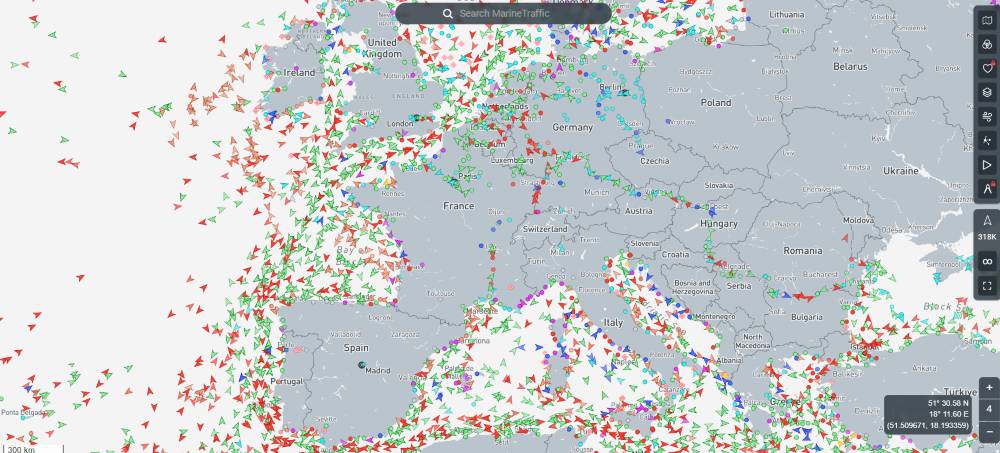 Extract of maritime traffic on MarineTraffic
How do you read the MarineTraffic map?
Zoom in on your navigation area, then observe vessel routes, speeds and directions to understand traffic density.
How do you identify a vessel?
Use the vessel name or click on its target to view the available information: type, heading, speed and last received point.
What limit should you keep in mind?
A MarineTraffic display may be delayed or incomplete. It helps with preparation and observation, but does not replace watchkeeping on board.
What should you remember before getting equipped with AIS technology?
Before choosing an AIS device, think in terms of real use: coastal or offshore navigation, dense or calm traffic, desired visibility, compatibility with existing instruments, antenna quality and electrical autonomy.
| Element | Role | Point to watch |
|---|---|---|
| AIS receiver | See equipped vessels around you. | Your boat does not transmit its AIS position. |
| AIS transponder | See others and be visible to equipped vessels. | Installation, MMSI, antenna and settings must be clean. |
| VHF / DSC | Communicate with vessels, ports and rescue services depending on the context. | The MMSI and equipment configuration are essential. |
| Chartplotter / screen | Display AIS targets, routes and alerts. | Poor settings can create too many alarms or hide the essentials. |
| VHF antenna | Determine range and reception/transmission reliability. | Height, clearance, cable and connectors are decisive. |
| Energy on board | Power AIS and instruments over time. | Check battery, fuse, wiring and overall consumption. |
Frequently asked questions about AIS
Is AIS mandatory on a leisure boat?
For leisure boating, AIS is not systematically mandatory. It is above all a comfort and safety device depending on your programme: night navigation, busy areas, crossings, proximity to professional vessels or the need to be more visible.
Will a boat without AIS appear on my screen?
No, not via AIS. If the boat does not transmit an AIS signal, it will not appear as an AIS target. This is why visual watchkeeping, radar when present, lights and navigation rules remain essential.
Can AIS be used without a chartplotter?
Yes, depending on the equipment. Some VHF radios or dedicated displays show AIS targets without a full chartplotter. However, chart display remains more comfortable for understanding trajectories.
Why does my AIS not receive very far?
Range depends greatly on the antenna, its height, clearance, cable, connectors and environment. A low antenna, damaged cable or oxidised connector can seriously limit performance.
Should AIS be switched off at anchor?
It depends on your available power and your situation. At anchor, keeping reception active can remain useful for monitoring traffic. With a transponder, you should also consider available energy, possible discretion and local rules.